WordPress Website Maintenance | The Short and In-Depth Guide
WordPress sites are dynamic sites, which require standard and professional WordPress site management . As part of the management process, we must ensure that the site’s performance is improved , the site’s security is maintained , and that updates are made for optimal results, and that the online project’s brand is continuously protected.
No less important is the task of content updates and/wp-uploads/ongoing technical maintenance of the database and files of a WordPress site. All with the aim of preventing the site from rusting, maintaining convenient and smooth navigation on the site, and preventing users from hitting a wall of technical glitches that affect the user experience.
Key points
- A WordPress website requires regular maintenance to maintain its efficiency.
- Maintaining updated content gives the site an up-to-date appearance and encourages visitors to stay on the site.
- Technical protection is an important part of the maintenance process and means protecting the website brand and user data.
- Adding new content, promoting the site, and analyzing information and traffic – all of these are required to maintain a functioning site.
- Backing up a WordPress site is an essential part of website maintenance, as it supports the reliability and restoreability of the site.
Opening: The importance of maintaining a WordPress website
One of the most important concepts to know when it comes to managing and maintaining a WordPress website is the concept of: the importance of website maintenance and of course website hosting . Based on these factors, it is possible to understand how important they are to an effective website maintenance process.
Why Continuous Maintenance is Key to Success
The answer is simple: with appropriate maintenance , a website performance upgrade is guaranteed, which also has a positive effect on the site’s status in the eyes of users, and also saves on future problems.
Consequences of poor management
But it’s important to remember that without proper WordPress website maintenance , a poorly maintained website is prone to crashes, loss of information, and technical glitches that delay the site’s operation and create an unprofessional impression.
| maintenance | reliability | Performance | Security |
|---|---|---|---|
| Proper maintenance | High | Very good | high |
| Poor maintenance | Low | bad | low |
Introduction to the WordPress administration interface
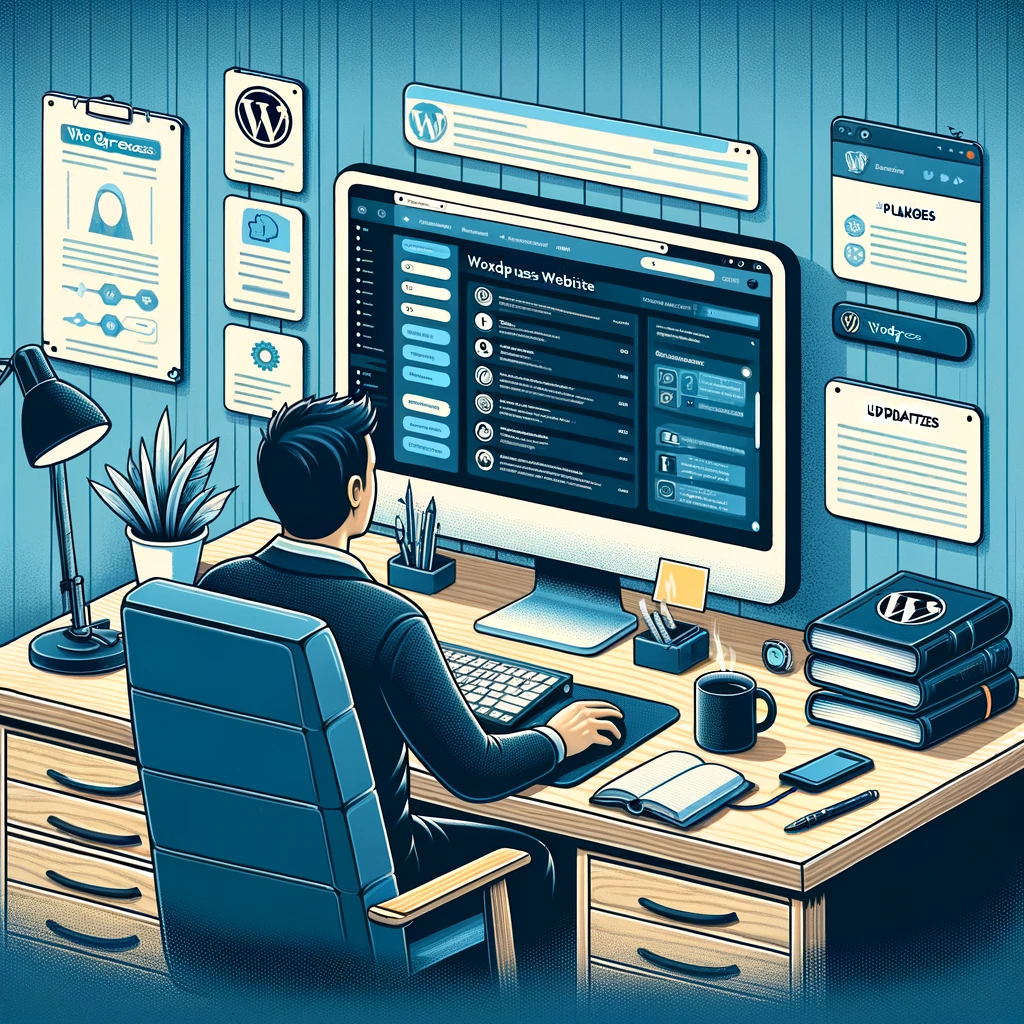
Getting to know the WordPress admin interface is a key step in understanding the breadth of options available to website administrators. First, we’ll consider the WordPress dashboard, which serves as our central point of operation.
The dashboard serves as a control center, allowing us to manage posts , pages , comments , and set the site’s settings. In addition, the interface offers us a variety of auxiliary tools, such as SEO, the ability to add new extensions, and perform backups.
| Management tools | Description |
|---|---|
| Posts | Post management, including creation, editing, and deletion |
| Pages | Page management, including creation, editing and deletion |
| Comments | Managing comments on posts and pages |
| Settings | Control over the site settings, including site name, description, address (URL), and more |
We can manage a variety of different elements from the WordPress management interface, which allows us to keep the site organized and dynamic , thus achieving the goals we set for ourselves.
So, managing a dynamic and active website starts here – with getting to know the WordPress administration interface.
Continuing to control and effectively maintain a WordPress site requires more than that, but by understanding the capabilities of our management interface, we are already on the right track.
WordPress software and security updates
One of the most important factors in securing your WordPress site is installing software updates. These updates ensure that the software is up-to-date and free from security holes that invite security breaches. These security breaches can expose sensitive information or render your site inoperable.
Updating WordPress versions
It’s always important to make sure your website’s content management system is updated to the latest version of WordPress. This can help prevent security breaches and keep you up to date with the latest security regulations.
Dealing with security breaches
When developing a WordPress website, they have to deal with various security threats. Preventing security breaches on your website starts with deleting unnecessary plugins, properly preparing WordPress components, and regularly updating all systems.
Regular security checks
Performing regular security checks is a great way to make sure your website is secure. It’s a process that starts with checking your website’s security settings, analyzing analytics data, and examining any recently installed add-ons.
Content and media maintenance
Maintaining website content is one of the key requirements for maintaining optimal performance and high reliability. We focus on this topic in this section, discussing two main topics: content management and updates, and media optimization to improve website speed.
Content and update management
Website content management starts with meticulous, ongoing work with articles, changing content on pages, and updating existing content on an ongoing basis. All of these directly impact website promotion activity and are therefore critical to maintaining good online performance.
Optimize images to improve website speed
Website loading speed has direct implications for user experience and various SEO metrics. Therefore, optimizing images—from reducing their size to choosing the right formats—can significantly contribute to improving loading speed.
| process | projection |
|---|---|
| Content management and continuous updates | Supporting website promotion activities and contributing to increasing its credibility |
| Image optimization | Increasing website loading speed and supporting the user experience |
Website hosting, backup and recovery
One of the most important things in managing and maintaining a WordPress website is backing up files and databases. Backups ensure that the information contained in your website is preserved in the event of malfunctions, errors, or unexpected events.
Importance of backing up files and databases
Website backup is not just about efficiency, it’s about principle. It’s about ensuring that everything remains available even if something goes wrong. Taking the time to back up your databases and files can be the difference between losing critical information and your online standing as a successful website owner.
Tools for backing up and restoring information in WordPress
It is important to note that there are several options for backing up files and databases in WordPress. Along with the regular daily backups, there are also specialized data recovery solutions. These can be especially helpful after a data loss incident. This can significantly control the impact of data accidents and is an equally important step in maintaining a WordPress site.
FAQ
How important is maintenance for a WordPress website?
Continuous maintenance of a WordPress site is key to its success. It positively affects the site’s status, reliability, preventing errors, and improving the user experience.
What are the risks of poorly managing a WordPress website?
Poor management of a WordPress website can cause problems, negatively impact the brand, and make it difficult to promote the site in search engines.
How do I manage the WordPress admin interface?
Using the WordPress admin interface, you can manage posts, pages, comments, settings, and use various tools to maintain organization and order on your site.
How do I perform software updates and deal with security breaches on a WordPress site?
Software updates and version upgrades in WordPress are essential for protecting against security breaches and safeguarding sensitive information.
How do I manage content and updates in WordPress?
Website content management in WordPress includes content updates, SEO prefix testing for software and articles, and reducing image size to improve website speed.
What is the importance of performing backups on a WordPress site?
Performing file and database backups is essential for safeguarding critical information and we recommend managing them on a regular basis as part of website maintenance.
Contact us today and receive a quote for WordPress website hosting and maintenance.