
Elementor Guide: Creating Websites Quickly and Easily
12/12/2023

**Website building** with **Elementor** becomes an easy and fast process for business owners, designers, and novice users alike. In this guide, we’ll learn how to take an Elementor course , including **WordPress website design** and creating an attractive and professional web page. Enter the square world now, and get all the knowledge you need to create the perfect website for you!
Key points
- Principles of working with Elementor and the benefits of using this tool for building WordPress websites
- Easy installation and integration of Elementor on your WordPress site
- Minimalist and attractive header and menu design with Elementor
- Creating structured and responsive content pages that are suitable for any device
- Using widgets to add functionality and interactivity to your website
- Adapting the website design to mobile devices such as smartphones and tablets
- How to develop and manage effective and personal forms using Elementor
What is Elementor and why is it a key tool for building websites?
WordPress hosting allows free Elementor – Host Center
Elementor is a drag-and-drop graphical editor for WordPress that allows you to create websites using an advanced drag-and-drop approach. This plugin provides design tools for WordPress , making it one of the most popular ways to build websites on WordPress. With Elementor, users of all levels can enjoy great design freedom and create high-quality websites.

Elementor Pro gives users much more flexibility and advanced design capabilities. You can customize the design elements to the bare minimum and build websites that accurately reflect the brand’s content, services, and dream design.
Elementor is an excellent choice for anyone who wants to build an informal website or a small project, but also for those who want to build a professional interface for their client at a high level and prepare content cubes.
Working with Elementor is simple and easy to pick up, so beginners don’t need any prior knowledge of web development. With over 5 million installations, Elementor ensures that even people with no experience with WordPress can learn to build and design websites with full control.
You can compare using Elementor to organizing size, colors, fonts, and frames, starting with large pieces like templates and putting power into working with small tags and content management.
| Elementor Benefits | Elementor Pro Benefits |
|---|---|
| Graphic page building | Advanced design tools |
| Quick website creation | Professional support |
| Great design freedom | Expanding widgets and templates |
Installing Elementor and initial preparations for work
Before we dive deeper into designing with Elementor, we need to know how to get started properly. In this chapter, we’ll talk about the first step in working with Elementor: **Installing Elementor for free** and activating it through the WordPress plugin interface.
Installation via WordPress plugins
First you need to install Elementor through the WordPress plugins interface, if necessary check the entry of an activation code for the Pro version, **Activating Elementor Pro** is as simple as that. Next, you need to choose and install a suitable theme system for your existing or new website.
Using the activation code and registering the plugin
If you chose to build your website using the Pro version of Elementor, remember to enter the activation code and register the plugin accordingly. This way, you can enjoy all the advanced capabilities that Elementor Pro offers.
Website background and template settings
Once the theme and plugin are installed, you need to upload background files and choose basic design templates that can serve as a starting point for your website design. Elementor offers a variety of **Elementor templates** to use, whether you prefer to start with an existing template or test the tool’s capabilities with a new and unique design.
Designing the header and menu using Elementor
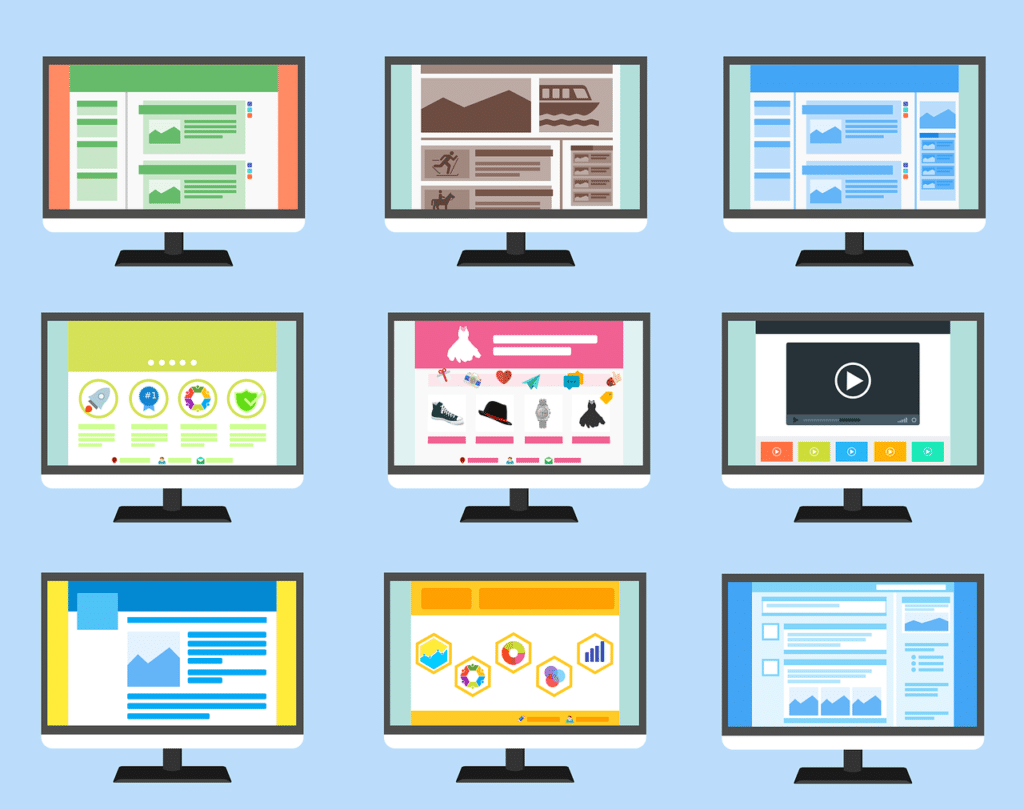
Moreover, every user is empowered with the ability to design a custom header and navigation menu using Elementor easily and directly from the editing page. Using Dynamic Header Design and Navigation Menu in Elementor will allow you to create an impressive header and menu based on the user’s preferences and the business’s brand.
Elementor offers a wide variety of header modules , including responsive layouts, built-in navigation bookmarks, corrosive captions, and more. The relevant modules should be selected according to the needs of the site and the overall design, so that they have an attractive and professional appearance.
You can combine different modules and styles to create an attractive and interesting appearance.
To build a navigation menu, credential menu, or burger menu, the user may need to work with templates specifically designed for this purpose. At first, certain modules may be missing, but keep in mind that there is an internal embedding option for customizations.
Finally, to allow users to make quick changes in small steps, you can also define and save the site’s design structure and title, so that they can be easily returned to at later stages.
Creating structured content pages with Elementor
Elementor allows the user to easily determine the structure of the page, combine text, images, and video, so that the content is responsive and displayed well on all devices. Also, landing pages can be created in Elementor so that they fit the needs of users and the business.
With Elementor, you can create a professional website design based on responsive designs, which provides a significant improvement in the user experience. Below is an example of a page structure with responsive design :
| Description | image | text | deployment |
|---|---|---|---|
| title | Company logo | Brief description of the site | Horizontal |
| Navigation menu | – | Links to the various pages on the site | Horizontal |
| Main content | Key images | Text about products or services | vertical |
| Subheadings | Unique icons | Text highlights the main topics | vertical |
| fired | Small logo | Additional links and copyright information | Horizontal |
Tip: When designing responsive pages , consider the layout of information and text rigidity so that the site is readable and easy to use on any device.
You will soon see that using Elementor to create responsive websites makes the process easy and time-saving. It gives users full control over the website design and allows them to come up with a professional and impressive result.
Using widgets to add functionality
Using the widgets provided by Elementor can add functionality and interaction to a wide range of elements on your site. Such as form designs, sliders, and galleries. We will determine in person how to integrate these widgets with the overall design of the site.
Popular widgets and how to use them
Three of the popular widgets that can enhance functionality are:
- Price tables: Allows the construction of interesting and attractive price tables, such as subscription packages for services.
- Photo Gallery: Can display a selection of photos on the site in a stunning gallery format.
- Sliders: Allows you to embed all kinds of content such as images, video, and text in an orderly manner within a slider within the site.
Mix and match widgets for personal design
To integrate widgets in Elementor harmoniously with the overall design of the site, here are some tips:
- **Choose appropriate widgets:** Using the jump, widgets are compatible with the site’s content and sales objectives.
- **Adjusting the appearance of widgets to the site design:** Using colors, fonts, and graphics that match the overall style of the site.
- **Testing on different devices:** Make sure widgets look good and work properly on mobile and desktop devices.
By properly using the widgets that Elementor offers, you can build interesting and personalized websites, with diverse content and fascinating interactions.
Switch between views: desktop, tablet, and mobile
In a world where mobile usage is on the rise, responsive web design is more essential than ever. With Elementor, you can easily and optimally adapt your website to mobile viewing on any device.
Adapting design to mobile devices
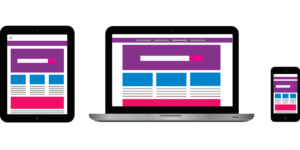
With Elementor, you can test and customize your website’s display for three different screen sizes: desktop, tablet, and mobile. This way, you can make sure your site looks great on all devices and is suitable for reading and multi-device use.
Display testing and on-screen repairs
Once you have created and designed your website, it is a good idea to test how it looks on different devices, including mobile and tablet . Elementor allows you to see and make the necessary changes directly from the editing interface, thus better understanding where your website design might work best for each mobile device.
Using these tools will allow you to optimize the experience of website users when they use different devices, listen to their different requirements, and allow them to receive a comfortable and consistent experience on any type of device .
Adding and managing forms and contact fields
One of the advantages of Elementor is the ability to develop and manage various forms such as contact forms, newsletter subscriptions, and more. Accessibility to the contact module makes working with forms easier and more efficient. In addition, it is possible to integrate with various email services , so that the information from the forms reaches the desired destination automatically.
With Elementor forms , you can customize and customize fields to suit your specific needs. Often offering effective form recognition ensures that you don’t miss out on opportunities to connect with potential customers or an interested audience.
This powerful tool makes it easy to improve user engagement with you, and therefore significantly improves customer relationships. It opens the door for successful collaboration with audiences in a variety of fields.
Use the best of Elementor’s forms to make it easier for customers to contact you and receive relevant information. The focus on the quality of the forms’ display and the simple and convenient user experience will prove the value of these tools for any business that wants to succeed in its field.
Tips for designing an attractive and branded website with Elementor
There are several important principles to consider when designing a professional and attractive website. Elementor’s design tool makes the task easy and offers many options for creating high-quality websites. Here are some tips on how to create a branded and successful website.
Using images and texts creatively
Smart use of images and text can make a website look impressive and interesting. Instead of relying on long, boring texts, you can incorporate high-quality images, visual mediums like videos, and galleries, so that the user is excited by the content and connects with the brand.
Embedding videos and photo galleries
Videos and photo galleries define the user experience on a website, and provide a convenient way to share information. Of course, the implementation of the appropriate medium is necessary to attract viewers and improve the viewing experience on the website. Elementor gives us the right tools to build galleries and videos easily and quickly within your WordPress site.
Combining creative tools and precise design using Elementor can deliver impressive results. Implementing elements like special image galleries and unique videos enhances the user experience and establishes a long-term target audience.
Frequently Asked Questions
How do you build websites with Elementor?
Elementor is a design tool that allows you to create WordPress websites using a drag-and-drop editor . To get started, you need to install and activate Elementor, choose a theme plan, and upload templates. From there, you can design headers, menu items, and content pages with a variety of text, images, video, and design templates.
How do I adapt my design to mobile devices with Elementor?
Elementor helps you easily adapt your website to different devices. On every editing page, you’ll find the option to switch between desktop, tablet, and mobile views. This way, you can check and edit your design on any device in a graphical and intuitive way.
What significant widgets can you add with Elementor?
Elementor provides a variety of widgets that can help extend the functionality of your website. Some examples include contact forms, newsletter signup forms, sliders, multi-directional image galleries, and more.
What are some tips for creating a brand website using Elementor?
To create a branded website with Elementor, take the time to design a straightforward and engaging design. Using high-quality images, compelling text snippets, videos, and galleries can help create a powerful and professional user experience.
Image by Coffee Bean from Pixabay
Image by 200 Degrees from Pixabay